Free template
Google Docs Travel Itinerary Template
Shobhit Shrivastava · Founder
What’s inside
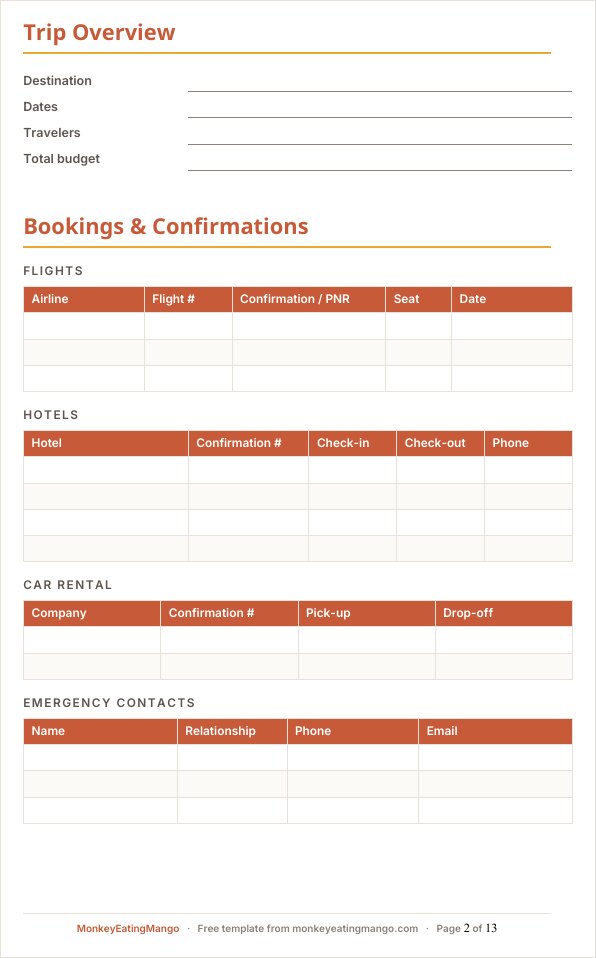
- Trip overview and bookings sections you fill in as confirmations arrive
- Bookings — flight confirmation & PNR, hotels, car rental, emergency contacts
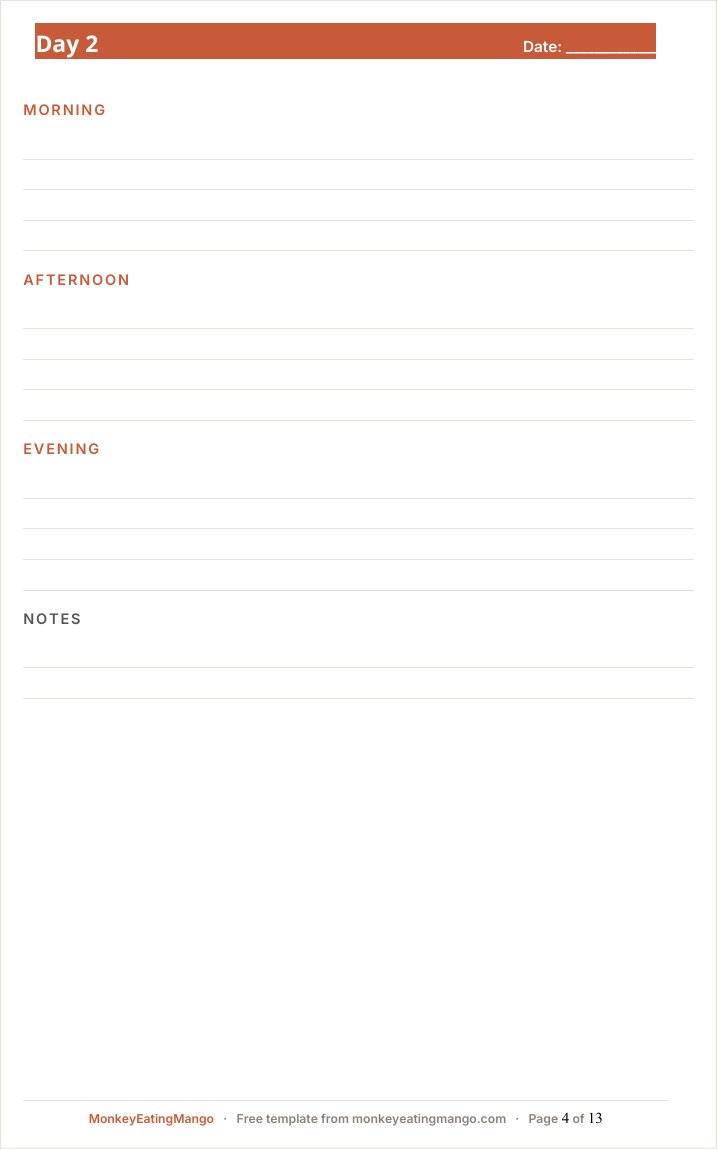
- A page per day (the page breaks are built in) for clean printing or PDF export
- Checkboxes that survive the conversion — tick them from the Docs mobile app
- A trip outline in the Docs sidebar — jump to any day of the itinerary in one tap
Made a copy but it didn’t open? It’s saved in your Google Drive — find it in Drive.
Rather not fill it in yourself? Answer eight quick questions and our AI writes the whole itinerary for your destination — day-by-day plan, budget, food guide — then exports it in this exact format. Free, no signup.
An itinerary template for Google Docs is how group trips actually get planned: everyone edits one shared link, comments settle the "two museums or one" debate, and the doc is on every phone at the airport.
That shared link is the point. An emailed file forks into five conflicting copies by the second round of edits; a Doc stays the single version of the trip. If your itinerary will be printed and filed rather than argued over, the Word or printable PDF versions fit better — this page is for plans that live in a shared tab until the trip is over.
The template converts cleanly to Docs — checkboxes, page-per-day layout and all. Fill the bookings section as confirmations arrive, give each day its page, and share one link with the whole group.
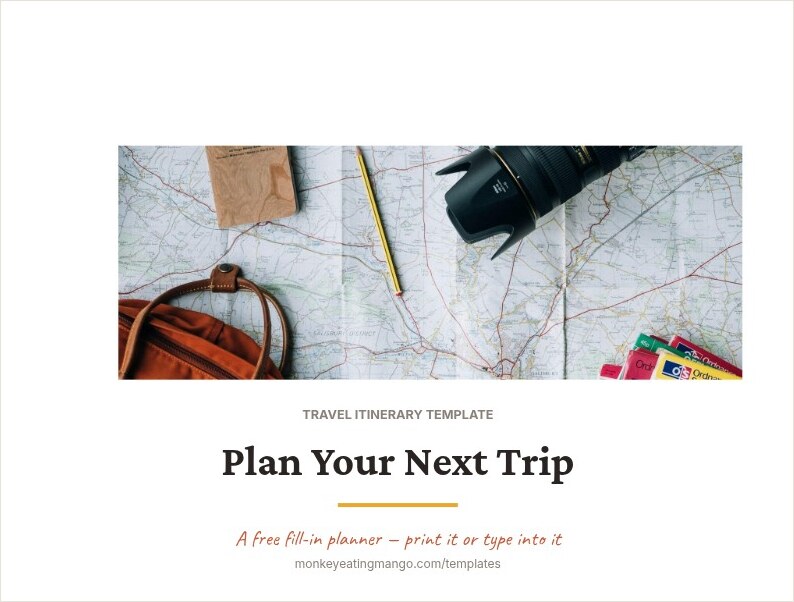
A look inside the Google Docs template
How to get it into Google Docs
- 1Click "Make a copy in Google Docs" above — Google shows its copy page (sign in if you are not already).
- 2Click Make a copy and the document lands in your Drive, checkboxes and page breaks included.
- 3Rename it for your trip and share it with your group; suggestions and comments work like any Doc.
- 4Want it pre-filled? "Open a filled example in Google Docs" copies a finished 7-day Japan trip into your Drive. Need an offline file instead? The Word version downloads as a .docx.
Editing tips
Use comments for the group debate
Instead of deleting a companion’s museum pick, comment on it. The plan stays visible while the discussion happens in the margin — and nothing is lost if you change your minds back.
Checkboxes convert too
The packing and pre-trip checkboxes survive the conversion; tap to tick them from the Docs mobile app mid-packing.
Keep the page breaks
Each day starts on its own page on purpose — when you print the Doc (or export to PDF), every day comes out as a clean single sheet.
Frequently asked questions
Does Google Docs have a built-in travel itinerary template?
No — the template gallery in Google Docs has letters, resumes and brochures, but no travel itinerary. That is what the copy link above is for: a ready-made travel itinerary that lands in your Drive as a normal Google Doc.
Can the whole group edit the itinerary at the same time?
Yes — once the copy is in your Drive, share the link with edit access and it behaves like any Google Doc: simultaneous edits, suggestions, comments, and version history if someone deletes the wrong day. That is the reason to pick Docs over a downloaded file for a group trip.
Do I need a Google account?
For the one-click copy, yes (it lands in your Drive). If you would rather not sign in, the Word version downloads as a regular .docx that opens in Word or LibreOffice too.
Is anything lost compared to the Word version?
No — the copy is a native Google Doc with the same headings, page breaks, checkboxes and footer. The structure is identical across every format we publish.
Can the AI fill this in for my destination?
Yes. Generate a free custom itinerary at monkeyeatingmango.com and use "Open in Google Docs" — it lands in your Drive already converted, with your actual trip written in.
Get the Google Docs template
Make a copy in Google DocsOne click · lands straight in your DriveOpens in a new tab — sign in to Google, then click "Make a copy".New templates, straight to your inbox
We add formats and occasion planners regularly. Leave an email and we'll send new templates and practical trip-planning tips — no spam.
Other formats
Google Sheets template · Excel template · Word template · PDF (printable) template · Notion template
Planning a specific kind of trip?
Bachelorette itinerary template · Disney trip itinerary template · Road trip itinerary template · Business travel itinerary template · Birthday trip itinerary template · Family vacation itinerary template · Honeymoon itinerary template · Girls trip itinerary template
Keep planning
Best AI travel planners, compared · 11 Wanderlog alternatives compared · Sardinia travel guide
Prefer it already planned? Browse 100+ ready-made itineraries — every one exports to PDF, Excel, Word, Google Sheets and Google Docs.