Templates
Free Travel Itinerary Template: Six Formats

Shobhit Shrivastava · Founder
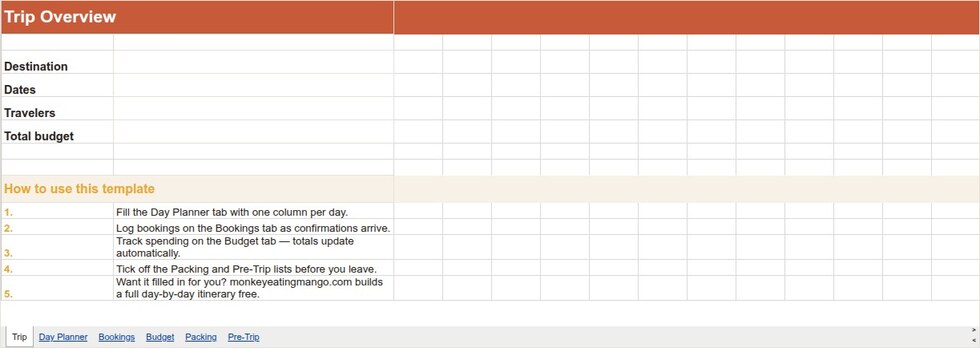
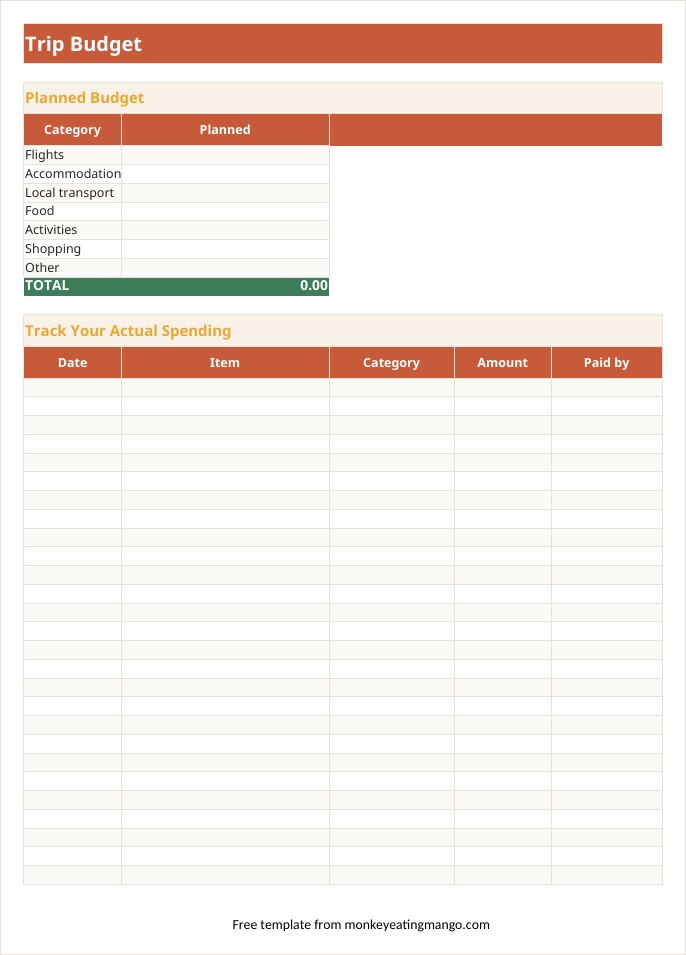
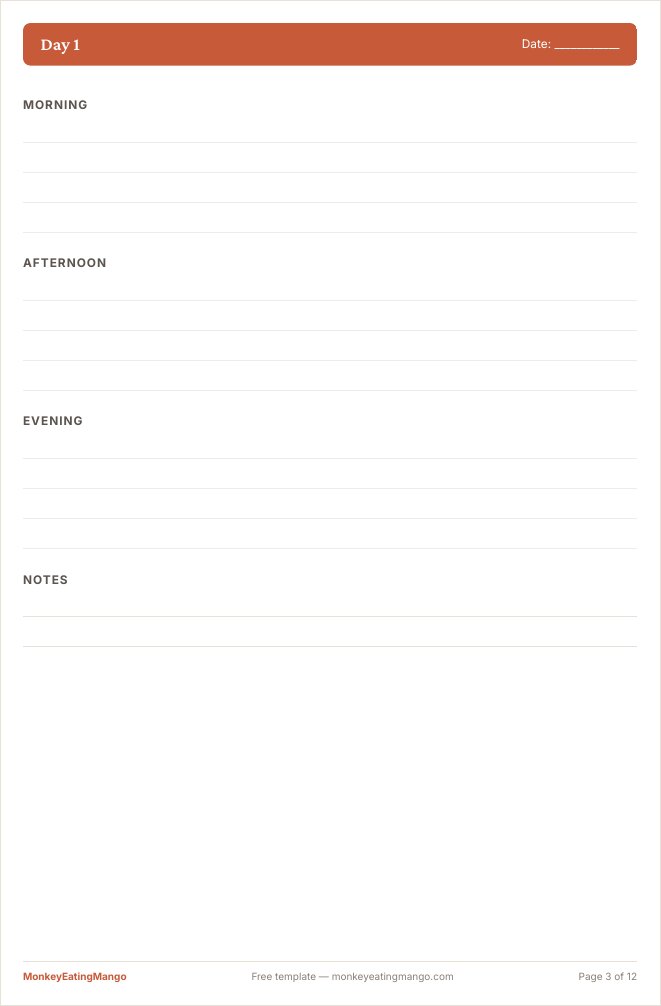
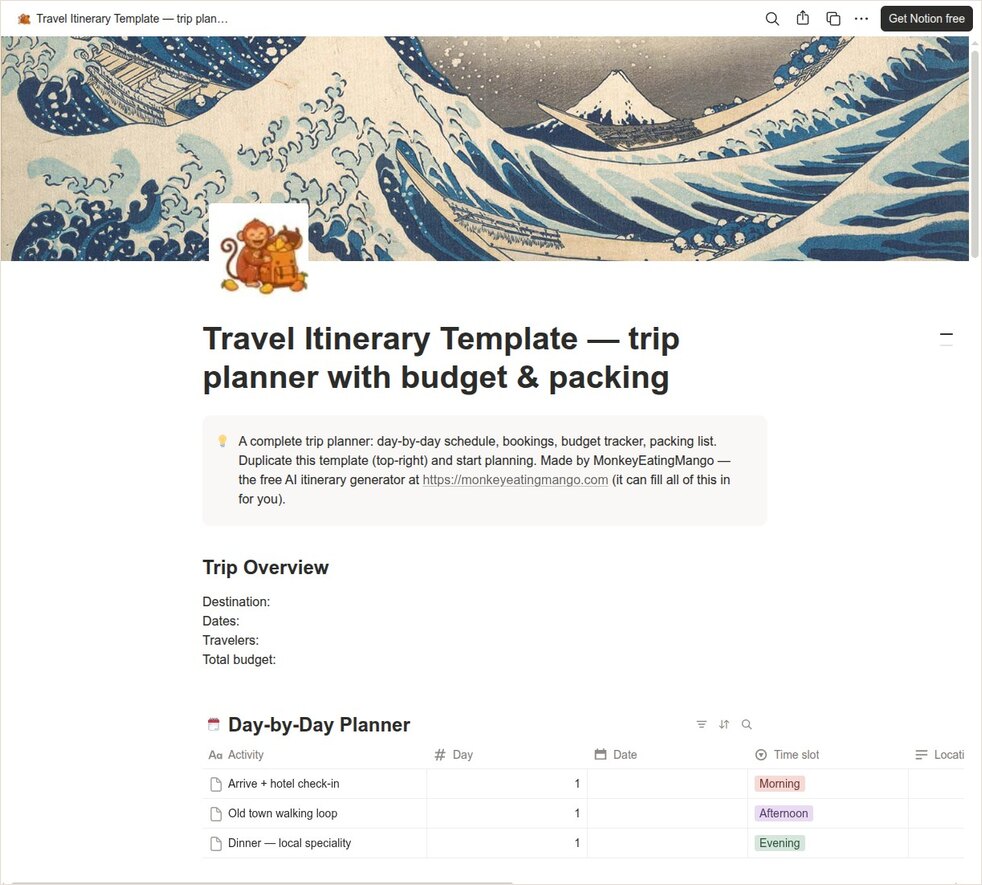
This is one travel itinerary template, published in six formats: Excel, Google Sheets, Word, Google Docs, printable PDF and Notion. Each is a complete trip planner, not a decorated grid: day-by-day pages, a bookings section with space for confirmation numbers and PNRs, a budget that adds itself up (and splits costs across the group), a categorised packing list, and the pre-trip checklist people wish they had used.
Pick your format
Or skip the blank page entirely
Rather not fill it in yourself? Tap through 8 quick cards and get the whole trip planned for your destination. Free, for now. No sign-up.
- Made for your trip: Built around who is going, your interests, pace and budget
- Real places: Every stop checked against real venue data, and closed places swapped out
- Booking checklist: What to book and how far ahead, from flights to stays
- Day by day: Times, travel between stops and a budget
- Local guides: What to eat, what to buy and where, and the festivals on your dates
Which format should you use?
| Format | Best for | Why |
|---|---|---|
| Google Sheets | Group trips, live budget tracking | Everyone edits one copy; budget splits itself by who paid |
| Excel | Detailed planners, offline work | Seven-tab working planner with live formulas and print setup |
| Word | Printed, document-style plans | One page per day, real checkboxes, one-click restyling |
| Google Docs | Collaborative written plans | Comments for the group debate; converts losslessly |
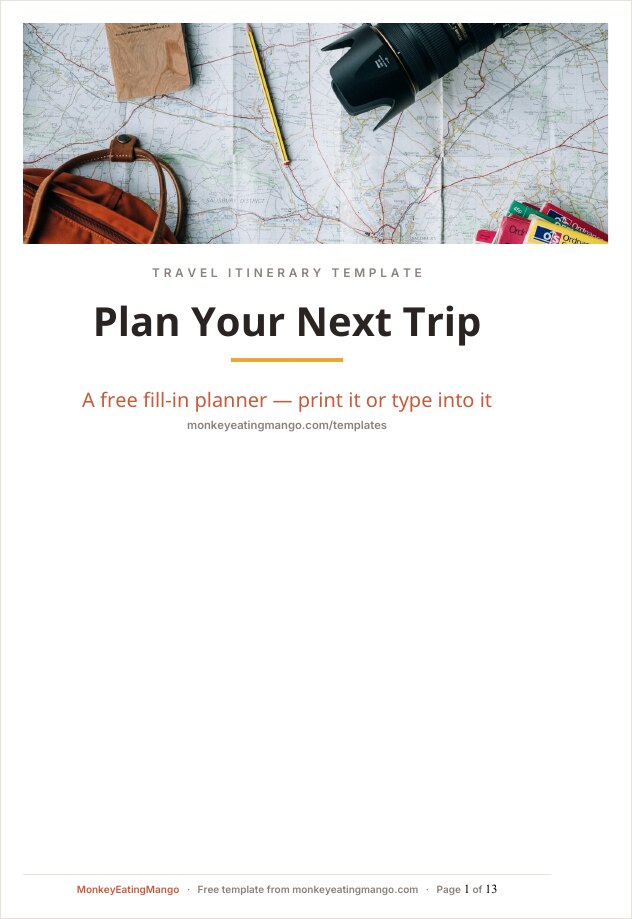
| PDF (printable) | Paper backup in the daypack | Ruled day pages that print clean on A4 or Letter |
| Notion | Notion-native planners | Databases for days, bookings and budget; regroup in one click |
Planning a specific kind of trip?
The same planner, re-specced for the trip you are actually taking: pre-labelled days, a packing list that fits the occasion, and the group cost split where it matters.
| Occasion | Best for | Why |
|---|---|---|
| Bachelorette | Bachelorette & hen weekends | Deposit-first checklist; every cost splits by who paid |
| Disney trip | Disney park trips with kids | A dated countdown to dining and Lightning Lane, the rest day kept |
| Road trip | Multi-stop driving routes | Leg-by-leg rows with miles, drive time and overnight stops |
| Business travel | Work trips & conferences | Two-page Word document; meetings with travel time from the hotel |
| Birthday trip | A weekend built around one big day | Cake logistics, one locked dinner, and who covers the birthday person |
| Girls trip | The classic four-day girls getaway | One big day, one slow day; the group kit comes once, not five times |
| Family vacation | Trips with kids in tow | A medical block and one packing column per family member |
| Honeymoon | The once-in-a-marriage trip | One big experience, one empty day, a guilt-free splurge line, and the passport-name check |
Need just one part of the plan?
| Template | Best for | Why |
|---|---|---|
| Packing list | Packing for one or the whole family | A tick column per traveler; or let the generator make one for your trip |
| Travel budget | Tracking money, not the day plan | Two currencies, a daily budget for the days left, and who owes whom |
What every itinerary template includes
- Day planner
- Each stop with its map link, travel time, hours, cost and priority, plus a buffer row
- Shortlist
- The sights, restaurants and shops you are still deciding on
- Bookings
- Flight PNRs, hotels, car rental and emergency contacts, each with a free-cancel date
- Budget
- Planned amounts and a spending log that converts currency; live totals and a who-paid split in the spreadsheets
- Packing list
- 53 items grouped by category, from documents to the extras people forget
- Pre-trip
- Documents with expiry dates, plus the 12 things people forget
Want to see a finished plan? Every format page links a filled example: a 7-day Japan trip our AI planner wrote. For a packing list sized to your destination and month, use the free travel packing list generator.
How to use them
- Google Sheets & Docs: open the template, then File › Make a copy. It lands in your Drive, ready to edit and share.
- Notion: click Duplicate in the top-right corner to copy it into your workspace.
- Excel, Word & PDF: just download and open. No account needed.
Download whichever format fits how you plan. No email address, no locked "pro" version, no watermark across your plans. And if you would rather not fill in a template at all, our AI writes the whole itinerary for your destination and exports it to PDF, Excel, Word, Google Sheets, or Google Docs.
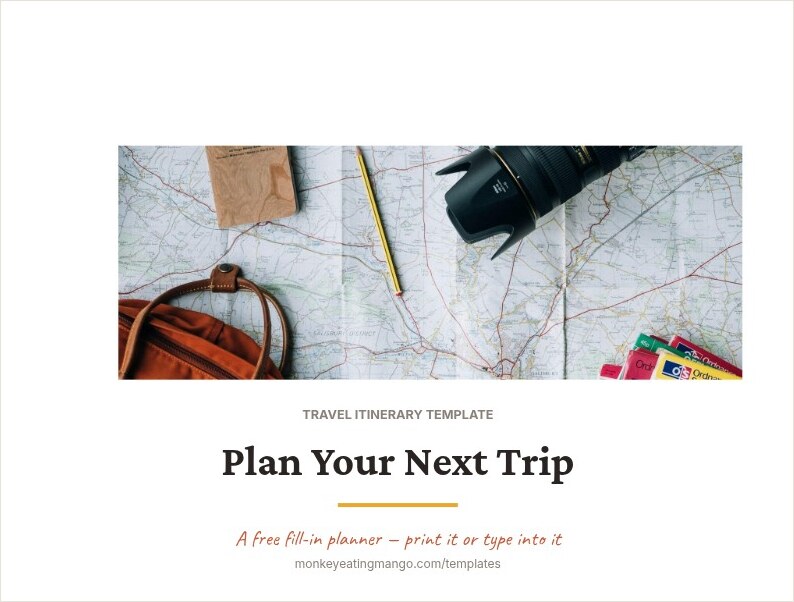
These planners get the same maintenance as the generator behind them: when a real trip exposes a gap (a missing pre-trip step, a booking field nobody had), the fix ships to every format. The screenshots on this page are the actual files, not mockups.
Frequently asked questions
Which format should I pick?
Spreadsheets (Excel / Google Sheets) if you care about budget tracking: the totals and group cost split calculate themselves. Documents (Word / Google Docs) if the plan should read like pages. The PDF if you want paper in the daypack. Notion if your life already lives there.
Are these really free?
Yes, direct downloads, no email gate, no signup. They are the same export engines our itinerary generator uses, packaged as blank planners.
What makes these different from other free templates?
Two things. The spreadsheets are working planners (live budget totals, group cost splitting, tickable checkboxes, print setup done), not static grids. And every template has a "filled" twin: the AI at monkeyeatingmango.com generates a real itinerary for your destination in the same structure. Planning a trip is free, for now, and needs no account. Every day is free to read and edit. A one-time $0.99 Trip Pass gets the downloads of that trip to keep offline. The blank templates stay free.
Can I use them for a business trip?
Use the business travel itinerary template at monkeyeatingmango.com/templates/business-travel/: a two-page Word document with meetings-first days and travel time from the hotel, plus the same workbook as a second download for the expense report.
Does Google have a travel itinerary template?
Not a full one. The Google Sheets gallery has a bare one-tab travel planner and the Google Docs gallery has none; neither covers bookings, budget or packing. The Google Sheets and Google Docs versions here fill that gap: Make a copy puts one straight into your Drive.
Templates are the starting point. If you would rather start from a finished plan, browse 136 ready-made itineraries by destination. Each one downloads in every format on this page.