Free template
Travel Itinerary Template for Google Sheets
Shobhit Shrivastava · Founder
What’s inside
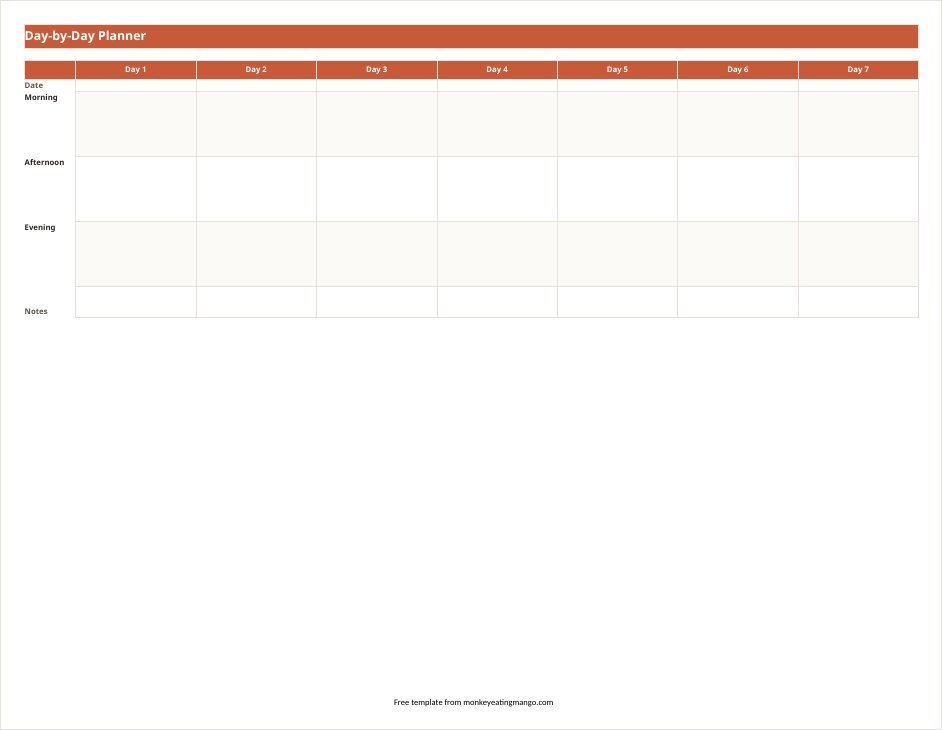
- Day Planner tab — one column per day, morning / afternoon / evening rows, frozen headers so they stay put as you scroll on mobile
- Bookings tab — flight confirmation & PNR, seat, hotel check-ins, car rental, emergency contacts
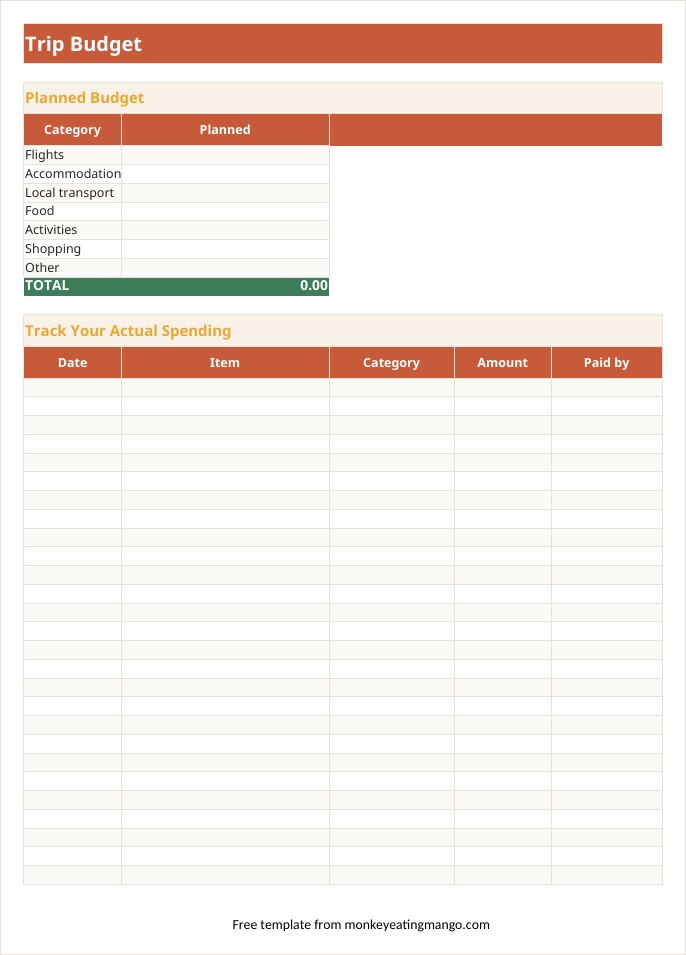
- Budget tab with live formulas — totals recalculate as you log spending, and a SUMIF "who paid" split settles group costs
- Category dropdowns and tick-box cells that survive the import to Sheets
- Packing list (33 items, six categories) and a 12-item pre-trip checklist
Made a copy but it didn’t open? It’s saved in your Google Drive — find it in Drive.
Rather not fill it in yourself? Answer eight quick questions and our AI writes the whole itinerary for your destination — day-by-day plan, budget, food guide — then exports it in this exact format. Free, no signup.
Google Sheets is the only format where the budget tab recalculates itself as you log spending, using a SUMIF formula that also splits costs by who paid. That alone makes it worth picking over a plain doc for any trip with more than one person.
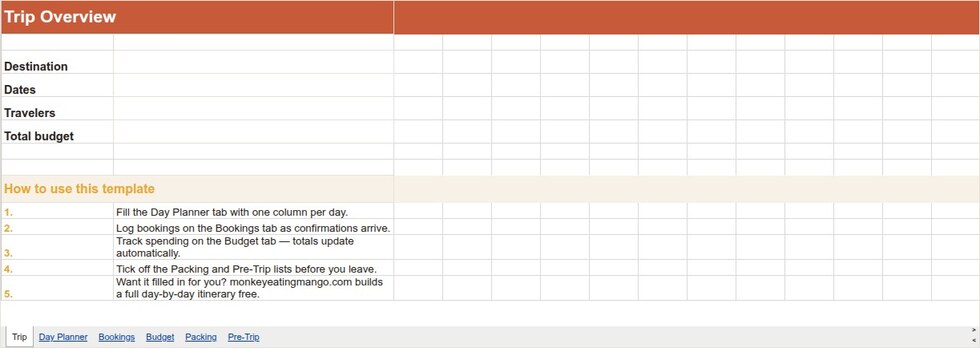
The Day Planner tab gives each day a column with morning, afternoon, and evening rows. The Bookings tab has one row per confirmation, with fields for PNR, seat number, and hotel check-in time.
A look inside the Google Sheets template
How to get it into Google Sheets
- 1Click "Make a copy in Google Sheets" above — Google shows its copy page (sign in if you are not already).
- 2Click Make a copy and the template lands in your Drive, formulas and checkboxes included.
- 3Rename it for your trip and share it with your travel companions — everyone edits the same copy.
- 4Want it pre-filled? "Open a filled example in Google Sheets" copies a finished 7-day Japan trip into your Drive. Need a file instead? The Excel version downloads as a workbook.
Editing tips
SUMIF does the group split automatically
Enter a name in "Paid by" and the Split by Traveler table updates who owes whom.
Enable offline before you board
In the Sheets app, tap the three-dot menu on the file and choose "Make available offline".
Add days with a right-click
Right-click any day column and choose "Insert 1 column right"; the frozen header row carries over.
Frequently asked questions
Is this Google Sheets itinerary template really free?
Yes. One click makes a copy in your Drive — no email gate, no watermark walls. Prefer a downloadable file? The Excel version is a plain .xlsx.
Do the formulas work in Google Sheets?
Yes — the copy is a native Google Sheet; the budget totals (SUM) and the who-paid split (SUMIF) are plain spreadsheet formulas that work identically in Sheets and Excel.
Can several people edit it at the same time?
Once it is in Google Sheets, yes — share it like any Sheet and the whole group can fill in days, log spending, and tick off packing items simultaneously.
Can I get this template already filled in for my destination?
Yes — free either way. Answer 8 quick questions and the AI fills the same template with a complete day-by-day itinerary for your destination, ready to open in Google Sheets.
Does it work as a vacation planner or trip planner, not just an itinerary?
Same tabs, whichever you call it. Plan a weekend on two day columns or a month across thirty, track spend on the Budget tab, and pack from the checklist — a vacation planner and a trip itinerary want the same structure.
Does this Google Sheets template come with budget tracking?
Yes — the Budget tab auto-totals spending and splits costs by who paid with a SUMIF formula, built in from the first copy, no setup required.
Get the Google Sheets template
Google Sheets — make a copyOne click · lands straight in your DriveOpens in a new tab — sign in to Google, then click "Make a copy".New templates, straight to your inbox
We add formats and occasion planners regularly. Leave an email and we'll send new templates and practical trip-planning tips — no spam.
Other formats
Excel template · Word template · Google Docs template · PDF (printable) template · Notion template
Planning a specific kind of trip?
Bachelorette itinerary template · Disney trip itinerary template · Road trip itinerary template · Business travel itinerary template · Birthday trip itinerary template · Family vacation itinerary template · Honeymoon itinerary template · Girls trip itinerary template
Keep planning
Google Sheets vs AI trip planning · 11 Wanderlog alternatives compared · Sardinia travel guide · Weekend getaways by city
Or start from a ready plan
7-day Japan itinerary · 5-day Paris itinerary · 7-day Italy itinerary
Or browse 100+ more ready-made itineraries — every one exports to PDF, Excel, Word, Google Sheets and Google Docs.