Free template
Travel Itinerary Template for Word
What’s inside
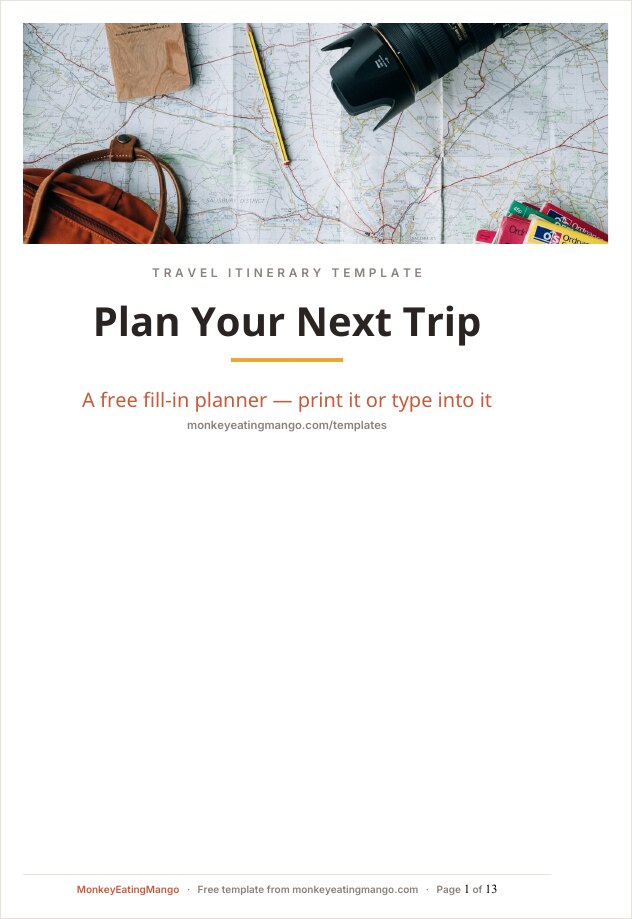
- A cover page, then trip overview and bookings forms
- Bookings section — flight confirmation & PNR, hotels, car rental, emergency contacts
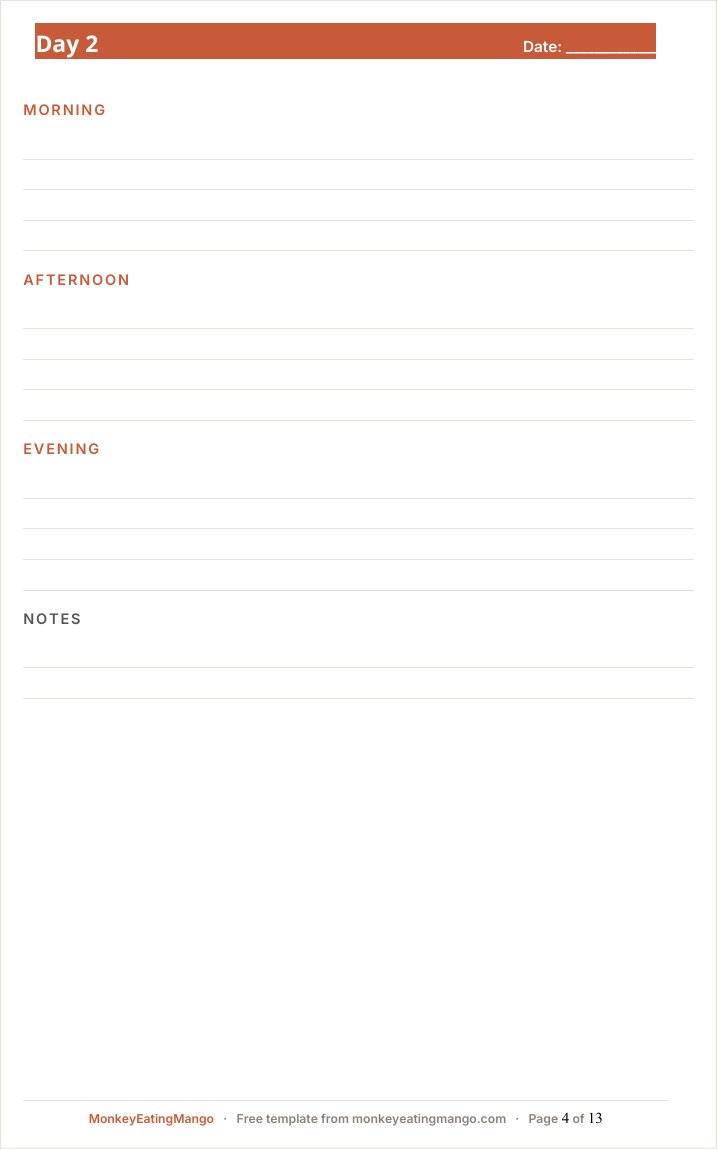
- One page per day with morning / afternoon / evening blocks and room to write
- Real Word checkbox controls on the packing and pre-trip lists — click to tick
- Built on Heading styles, so Design → Style Sets restyles the whole document in one click
Rather not fill it in yourself? Answer eight quick questions and our AI writes the whole itinerary for your destination — day-by-day plan, budget, food guide — then exports it in this exact format. Free, no signup.
A Word itinerary is the right tool when the plan needs to read like a document: printed for a folder, attached to an email, or handed to parents who want the whole trip on paper.
This template keeps each day on its own page, tracks bookings with confirmation numbers and PNRs, and uses real Word checkboxes — click them and they tick. Because it is built on proper heading styles, restyling the entire document takes one click in the Styles gallery.
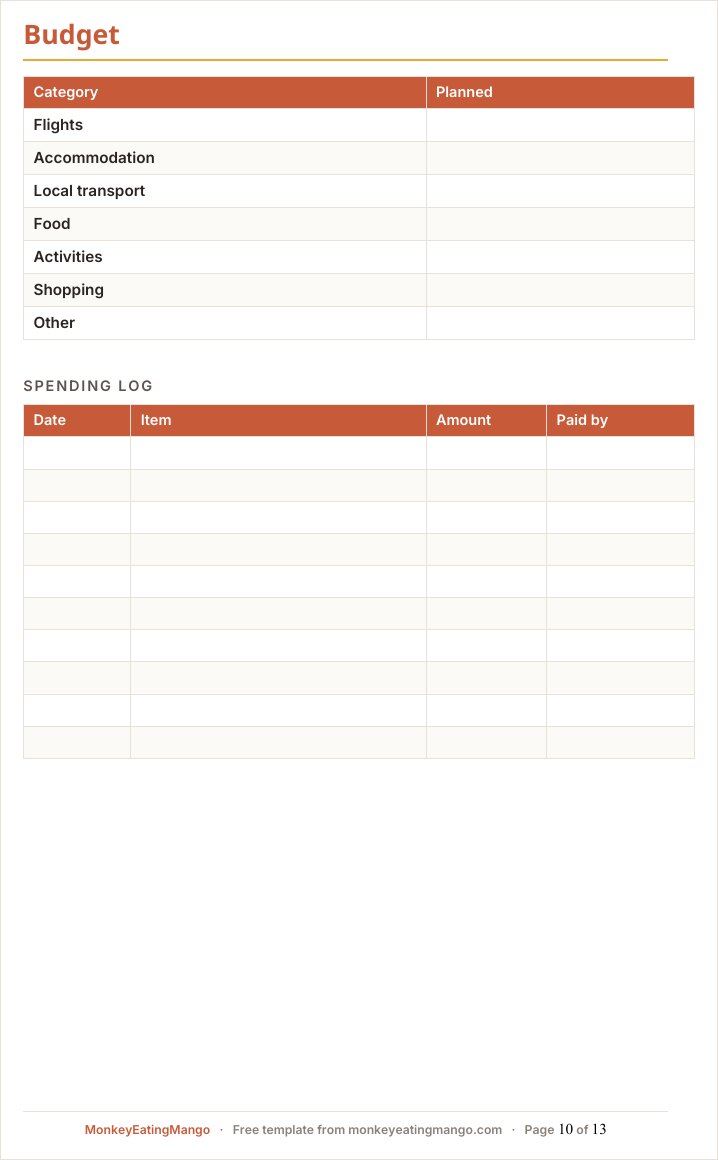
It doubles as a business travel itinerary: day pages take meeting blocks as readily as museum visits, and the budget page works as an expense log for reimbursement — the printed result reads like something a travel desk would send.
A look inside the Word template
How to use it
- 1Download and open in Word (or LibreOffice, or upload to Google Docs).
- 2Fill the trip overview and the bookings pages as confirmations arrive.
- 3Write each day on its own page — the page breaks are already in place.
- 4Tick packing and pre-trip items by clicking the checkboxes.
- 5Print it, or export to PDF from Word, and the layout holds.
Editing tips
Restyle everything in one click
The headings use Word’s built-in Heading 1 and Heading 2 styles. Design → Style Sets (or your own theme) restyles the whole document at once — no hunting through pages.
The checkboxes actually work
They are Word content controls, not symbols — click to toggle. They also survive conversion to Google Docs.
Days never split across pages
Each day starts on a fresh page and its blocks are set to keep together, so printing produces clean one-day-per-page output you can fold into a daypack.
Frequently asked questions
Will this open in Google Docs or LibreOffice?
Yes. It is a standard .docx — Google Docs converts it on upload (checkboxes included), and LibreOffice Writer opens it directly.
Why a full document instead of a one-page form?
Because deleting pages is easier than inventing them. The template covers bookings, days, budget, and checklists; cut what your trip does not need and the styles stay consistent.
Does it work as a business trip itinerary template?
Yes. The document format suits work travel as well as holidays: a cover page, booking pages with confirmation numbers and PNRs, one page per day, and an expense log. Delete the leisure sections you do not need and the heading styles keep it tidy.
Can I get it pre-filled for my trip?
Yes — monkeyeatingmango.com generates a full custom itinerary free and exports it as a Word document with the same structure: cover, contents, one day per page, checklists.
Is the Word template a free download?
Yes — both the blank .docx and the filled example download free, no email gate, no watermark.
Get the Word template
Download the blank template (.docx)Word 2013 or newer · brand fonts embeddedNew templates, straight to your inbox
We add formats and occasion planners regularly. Leave an email and we'll send new templates and practical trip-planning tips — no spam.
Other formats
Google Sheets template · Excel template · Google Docs template · PDF (printable) template · Notion template
Planning a specific kind of trip?
Bachelorette itinerary template · Disney trip itinerary template · Road trip itinerary template · Business travel itinerary template · Birthday trip itinerary template · Family vacation itinerary template · Honeymoon itinerary template · Girls trip itinerary template
Keep planning
What Wanderlog Pro costs (and free routes) · 11 Wanderlog alternatives compared · Croatia travel guide
Or start from a ready plan
7-day Japan itinerary · 5-day Paris itinerary · 7-day Italy itinerary
Or browse 100+ more ready-made itineraries — every one exports to PDF, Excel, Word, Google Sheets and Google Docs.